Add recommended base maps
-
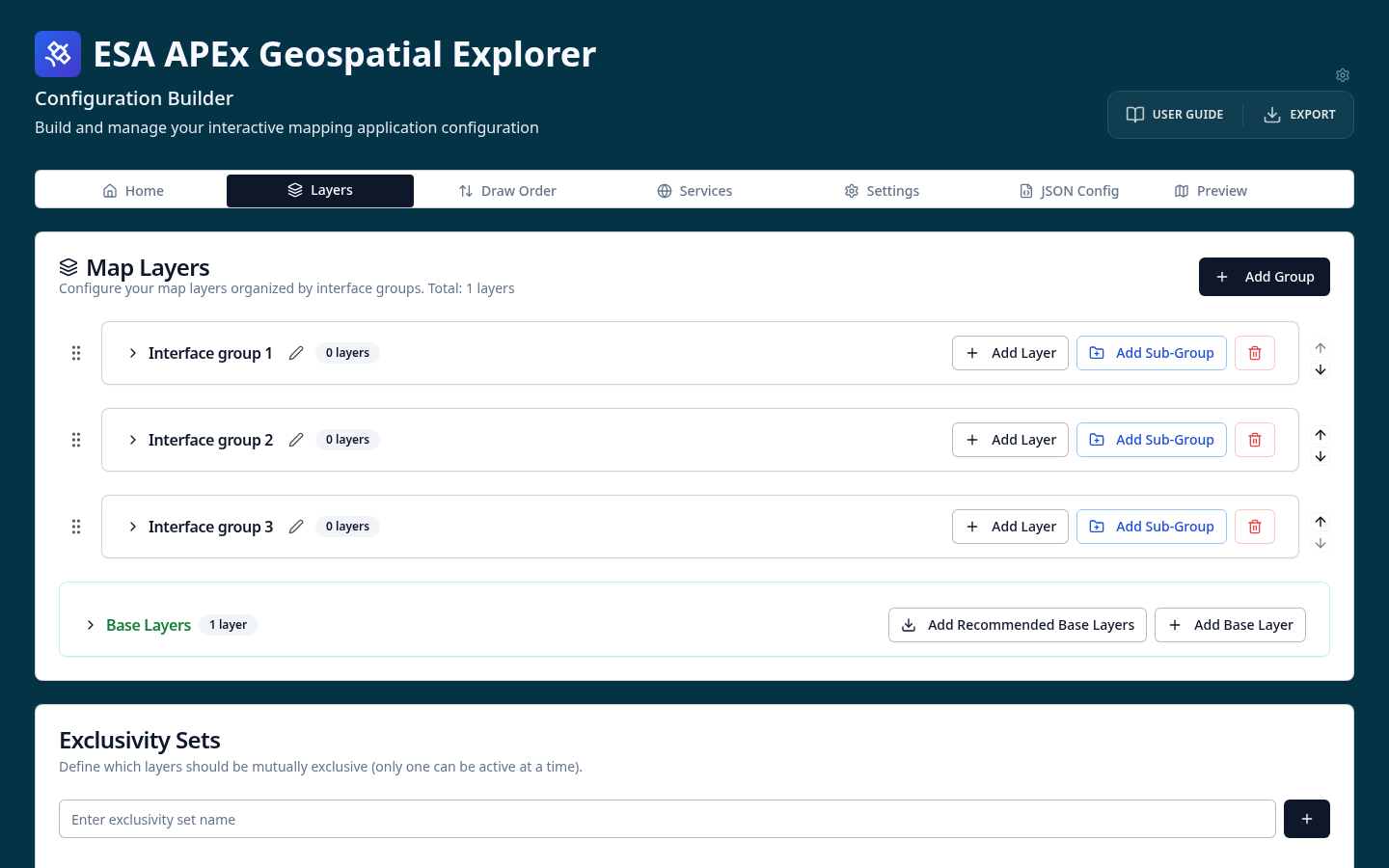
On the Layers tab, scroll down to the Base Layers section and select Add Recommended Base Layers.
-
Look at the base map cards that appear — attribution and layer metadata are populated automatically.
- Go to the GE Preview tab. You will now see a base map switcher in the Explorer.
Where do the recommended base maps come from?
The recommended base maps are loaded at runtime from the ESA-APEx configs manifest. New base maps added to the manifest become available in the CB without a redeploy. See Base layers for details.